

Introduction
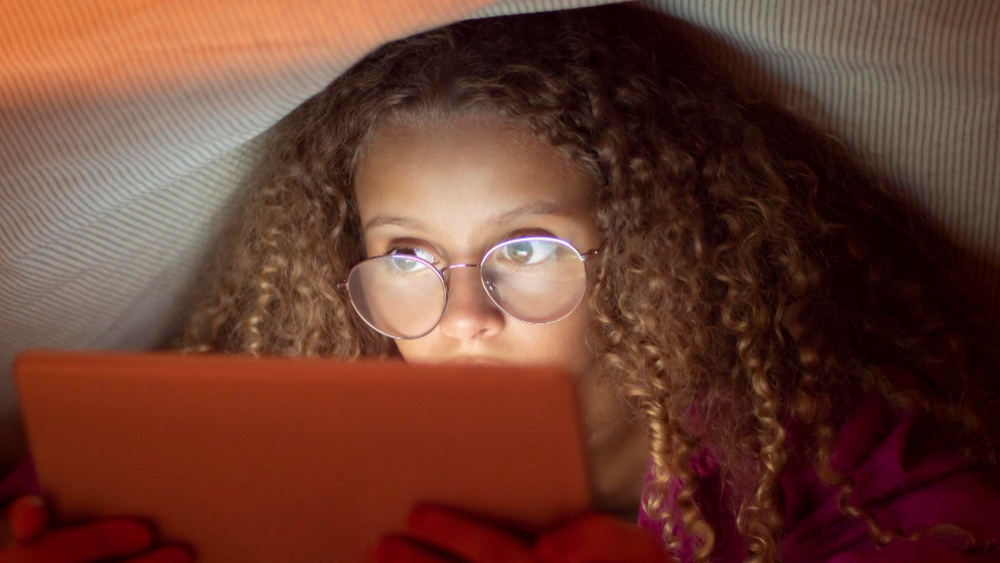
Many children spend hours each day using screens. Because of this, digital eye strain in children is becoming more common. Digital eye strain happens when eyes feel tired or uncomfortable after looking at screens for a long time. In fact, too much screen time can make these symptoms worse. It is important for parents to know how to protect their child’s eye health.
Symptoms of Digital Eye Strain in Children
Children may not always say when their eyes hurt. However, there are signs parents can watch for. These symptoms may include:
- Dry or watery eyes
- Frequent blinking or rubbing of the eyes
- Headaches or feeling tired
- Blurred or double vision
- Trouble focusing on the screen
- Neck or shoulder pain
- Increased sensitivity to light
If your child shows these signs, digital eye strain could be the cause.
Causes and Risk Factors
Screen time is the main cause of digital eye strain in children. When kids use computers, tablets, or phones for long periods, their eyes work harder. Also, they may blink less often, which can dry out their eyes. Some risk factors include:
- Using screens for more than two hours a day
- Holding devices too close to the eyes
- Using screens in poor lighting
- Not taking breaks from screens
- Uncorrected vision problems
According to the American Academy of Pediatrics, limiting screen time can help reduce these risks.
Diagnosis
Parents can notice signs of digital eye strain by watching their child’s behavior. For example, if your child rubs their eyes often or complains of headaches, it may be time to act. Eye doctors, also called optometrists or ophthalmologists, can check for digital eye strain. They may ask about your child’s screen habits and do a simple eye exam. Early diagnosis helps prevent long-term problems.
Prevention Strategies
There are many ways to prevent digital eye strain in children. Here are some practical tips for parents:
- Encourage the 20-20-20 rule: Every 20 minutes, look at something 20 feet away for 20 seconds.
- Set daily screen time limits based on age. For example, the WHO suggests less than one hour per day for children under five.
- Make sure screens are at eye level and about arm’s length away.
- Use screens in well-lit rooms to reduce glare.
- Remind children to blink often while using devices.
By following these steps, you can help prevent digital eye strain in kids.
Treatment and Management Options
If your child already has symptoms, there are ways to help. First, reduce their screen time and encourage regular breaks. Next, use artificial tears if eyes feel dry, but only after talking to a doctor. Sometimes, an eye doctor may suggest glasses with special lenses. These lenses can help reduce eye strain from screens. In most cases, symptoms improve with these simple changes.
Lifestyle Guidance
Healthy habits can protect your child’s eyes every day. For example, try these ideas:
- Encourage outdoor play instead of screen time
- Set a regular bedtime to help eyes rest
- Teach simple eye exercises, like rolling the eyes or focusing on distant objects
- Adjust screen brightness and contrast for comfort
- Keep screens clean to avoid glare and smudges
With these habits, you can support your child’s eye health for the future.
When to Consult a Pediatrician or Eye Specialist
Sometimes, home care is not enough. If your child’s symptoms do not improve, or if they have severe pain, see a doctor. Also, if your child has trouble seeing clearly or complains of vision changes, schedule an eye exam. Early help can prevent lasting problems. The CDC and WHO both recommend regular eye checks for children.
Conclusion
Digital eye strain in children is a growing concern. However, with the right steps, you can protect your child’s eyes. Limit screen time, encourage breaks, and watch for symptoms. If you have concerns, consult a specialist at Shreeji Clinic for Children for personalized guidance.
